Enjoy unbeatable prices on Five Star IPTV!
📺 How to Load Your Free Trial on IPTV Smarters Pro
✅ Step 1: Download IPTV Smarters Pro
Android: Visit iptvsmarters.com or use the Play Store.
iOS: Search “Smarters Player Lite” in the App Store.
Firestick: Use the Downloader app and enter firesticktricks.com/smarter.
✅ Step 2: Open the App and Tap “Add New User”
You'll see two login options:
Login with Xtream Codes API
Load Your Playlist or File/URL
For your free trial, we recommend Xtream Codes API — it’s faster and more reliable.
✅ Step 3: Enter Your Trial Credentials
Use the details we sent you:
Username: (provided in your trial email)
Password: (provided in your trial email)
Server URL: (e.g., http://youriptvserver.com:port)
Tap “Add User” to continue.
✅ Step 4: Start Watching!
Once logged in, you’ll see:
Live TV: Browse channels by country or category.
Movies & Series: Stream on demand.
Catch-Up: Replay shows (if available).
📸 Visual Walkthrough
Let’s make this even easier with a visual guide. Here's what your customers will see at each step:
App download and install screen
Login screen with Xtream Codes API
Trial credentials entry
Live TV interface preview
👉 Click the image card above to view the visuals.
If you’d like, I can help you design a branded version of this guide with your logo, color palette, and overlay captions for Pinterest or GadgetCurator. Want to mock up a few styles next?
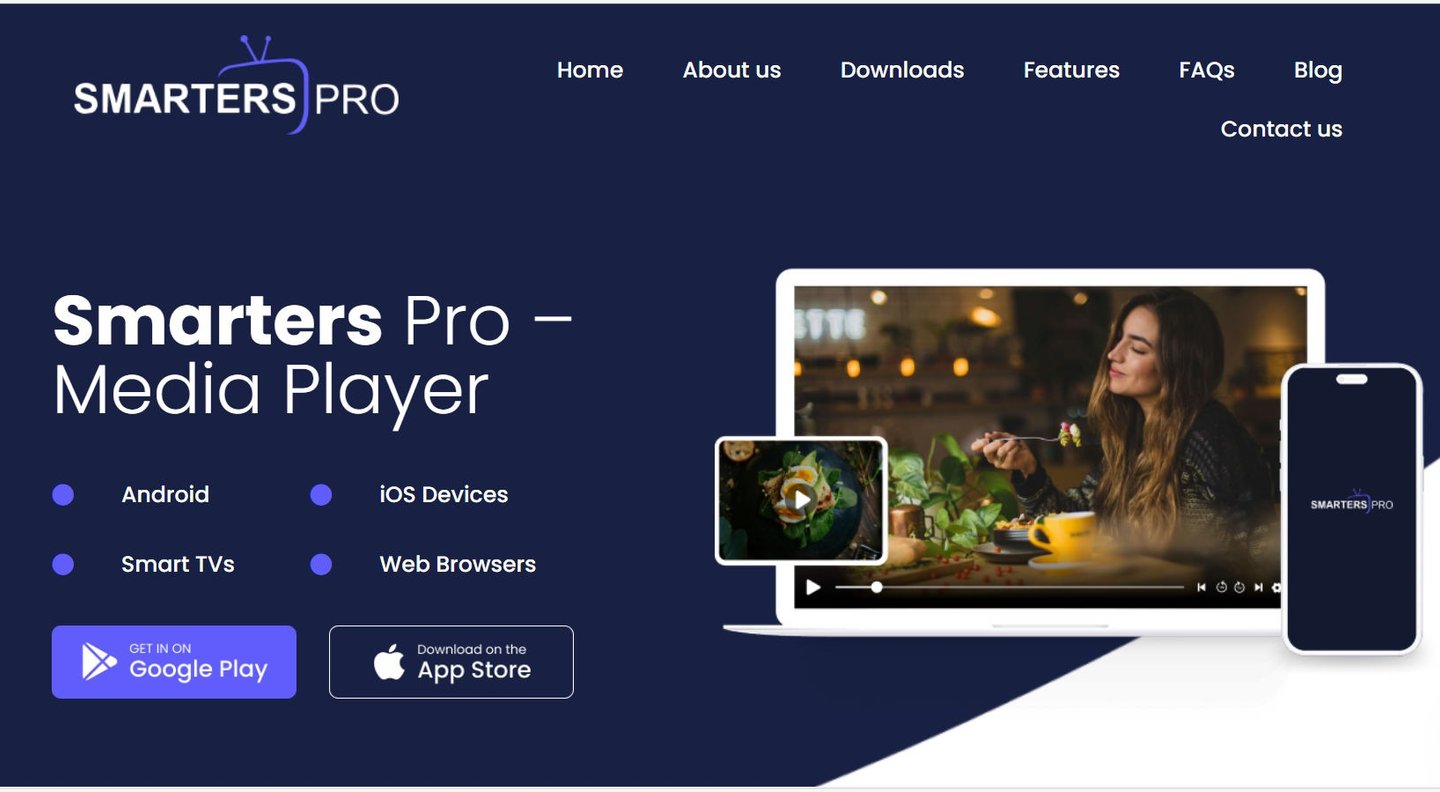
What is a Smarters Pro?
Smarters Pro is a powerful and versatile media player that delivers a smooth and high-quality viewing experience across multiple platforms. Designed for seamless usability, it supports a wide range of formats, including M3U and JSON playlists, enabling users to play their personally owned media from both local storage and remote sources. Whether for video-on-demand, or audio playback. Smarters Pro provides a reliable, high-performance media experience without interruptions.